Use Fast Pass to take payments quickly and let guests complete checkout on their phones.
Web
Select the date, open Inventory, then click Packages, Tickets, or Cover.
Find the Fast Pass column on the right.
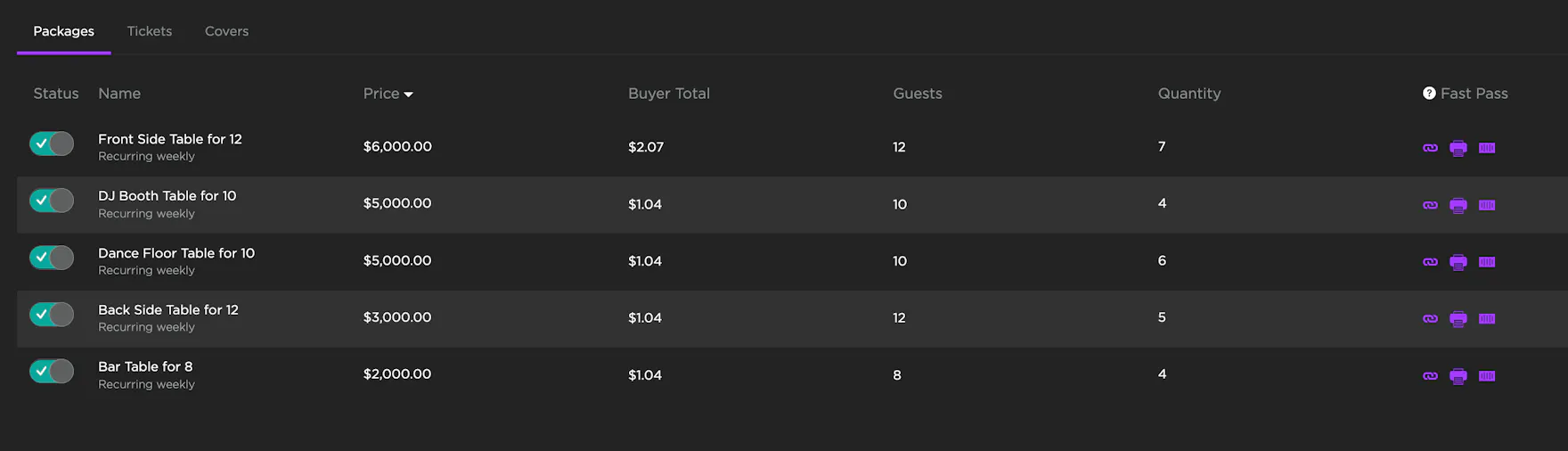
Copy the link, print it, or generate a QR code. Guests complete checkout with their digital wallet.
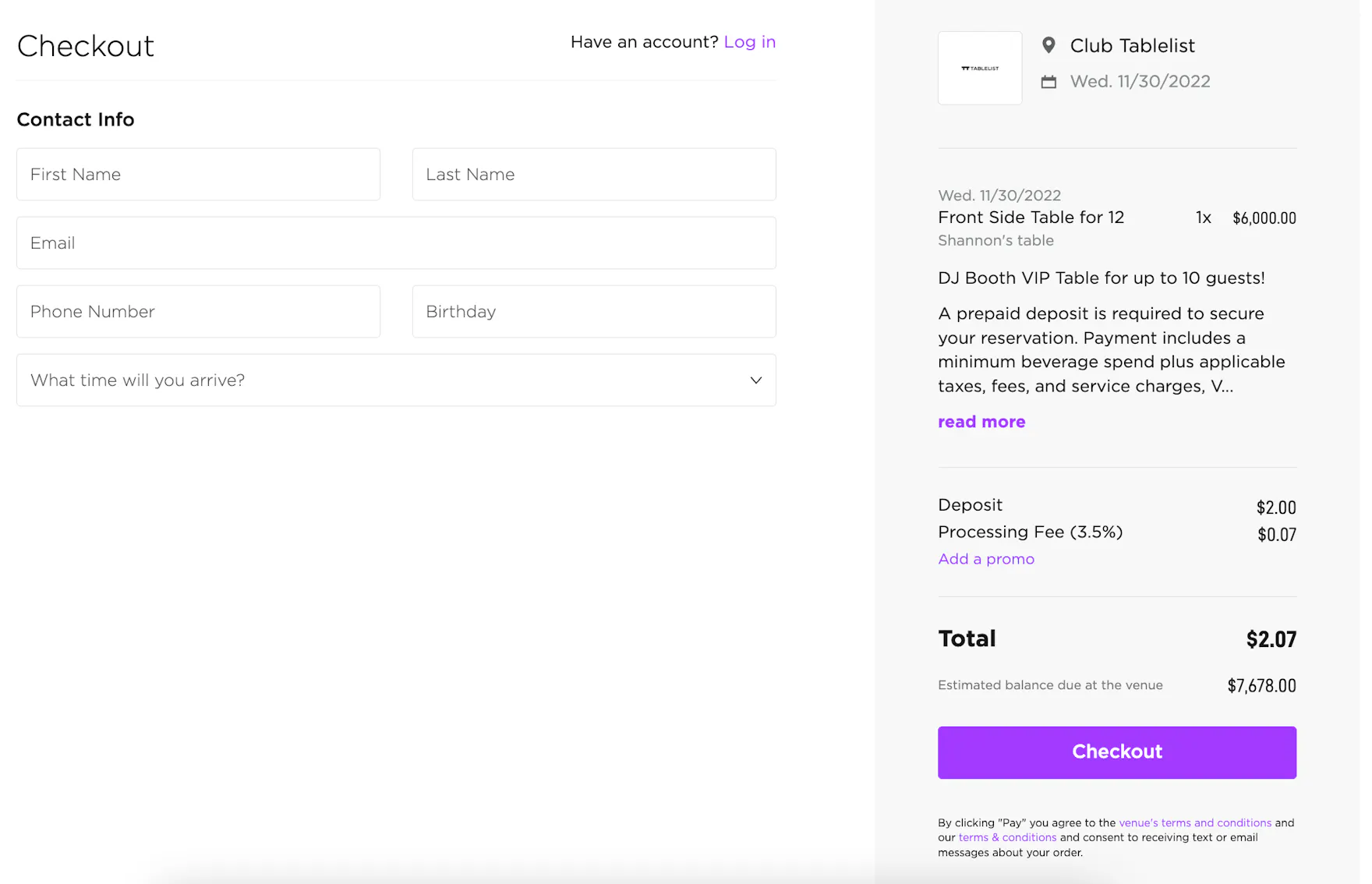
Tickets appear instantly for entry. VIP table purchases create a reservation with a green Deposit button.
Attribution tracking
When you use Copy Fast Pass Link on the web, TablelistPro adds your tracking ID to the URL. Share that link with guests so purchases from it are credited to your attribution in reporting.
This is different from Print QR code on an event, venue, or widget — those codes have no tracking ID and show as None. See Managing attributions.
Fast Pass attribution appears in Sales by Attribution: ticket, cover, and guest list purchases show under Admissions, and VIP table purchases show under Reservations.
iOS
Select the date, tap Inventory, find the item, swipe left, then tap Fast Pass.

A QR code appears instantly.

Share the link or let guests scan the code in person to pay.

Android
Android follows the same Fast Pass flow as iOS.
UI details may vary slightly by device, but Fast Pass behavior is the same.