Use venue tracking links when you want to promote all upcoming events at once.
Web
On the web, open the sidebar, click Settings, then Tracking Links.
You'll see your own venue tracking link, plus links for your Staff, Promoters, and custom attribution sources from Settings → Team → Attributions. See Managing attributions.
Bookings from these links are credited to that person or source in Sales by Attribution.
Print QR code under Settings → Details → Share your venue is different. That code opens the venue page with no tracking ID, so those bookings show as None. To print a QR that credits a source, open Sharing on Settings → Team → Attributions (or Promoters) and click Print QR code — it's the same URL as the copy field. See Venue Details.
iOS
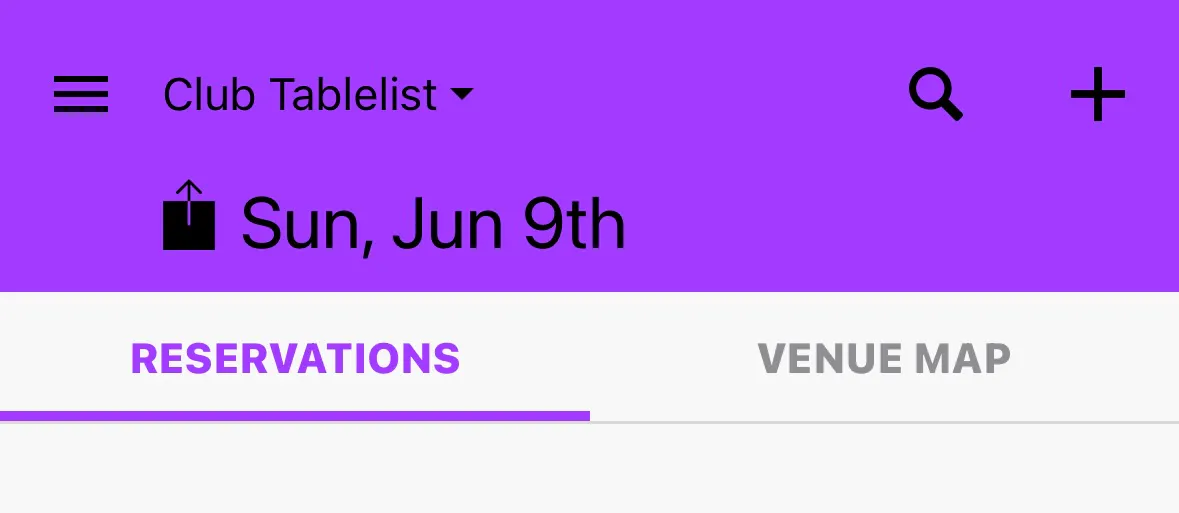
On the iOS app, tap the Share icon next to the date at the top.
You can copy, message, email, or send the URL directly. Each link includes the logged-in account's tracking ID so attribution is preserved.
Android
Android follows the same flow as iOS: tap the top Share icon and send the venue tracking URL.
UI details may vary slightly by device, but attribution behavior is the same.