Open your account menu to get help fast, share feedback, and access your account links.
- Open the sidebar.
- At the bottom, click your profile row or the ⋯ button.
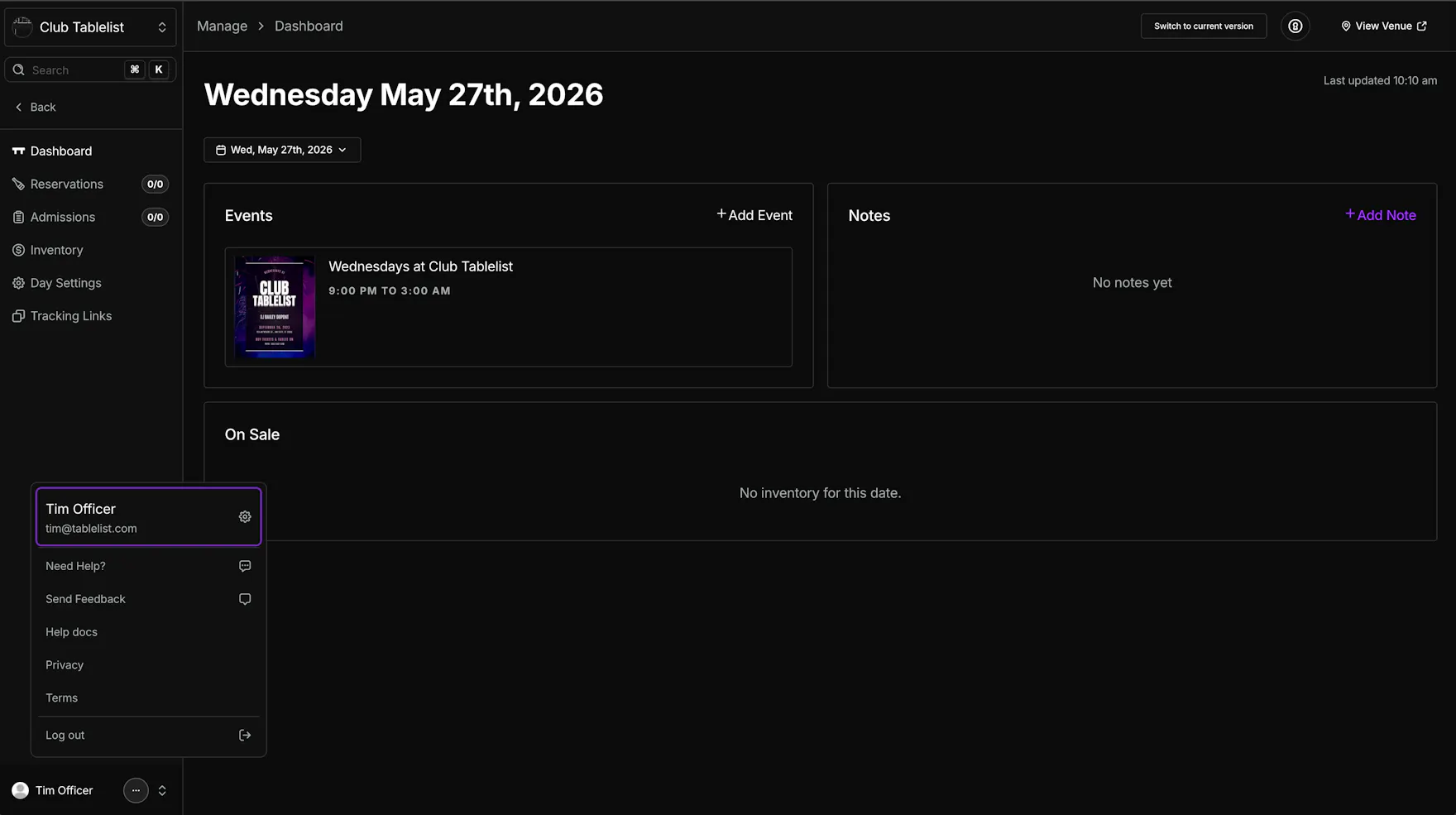
From this menu, you can:
- Need Help? -- Chat directly with support.
- Send Feedback -- Share feedback, ideas, feature requests, or bugs. The more detail, the better.
- Help docs -- Open the TablelistPro Help Center.
- Privacy -- Open the privacy policy.
- Terms -- Open the terms & conditions.
You can also click your name at the top of this menu to open the full Account area, including your notification preferences.
Set your notification preferences in Account Notifications.