Get notified when someone submits a reservation, reservation request, payment link, or ticket -- or when they message you through Customer Chat.
- Open the account menu from the sidebar (your profile row or the ⋯ button).
- Click your name to open Account.
- Click Notifications.
- Choose your preferences for email, text, and push notifications.
- Click Save.
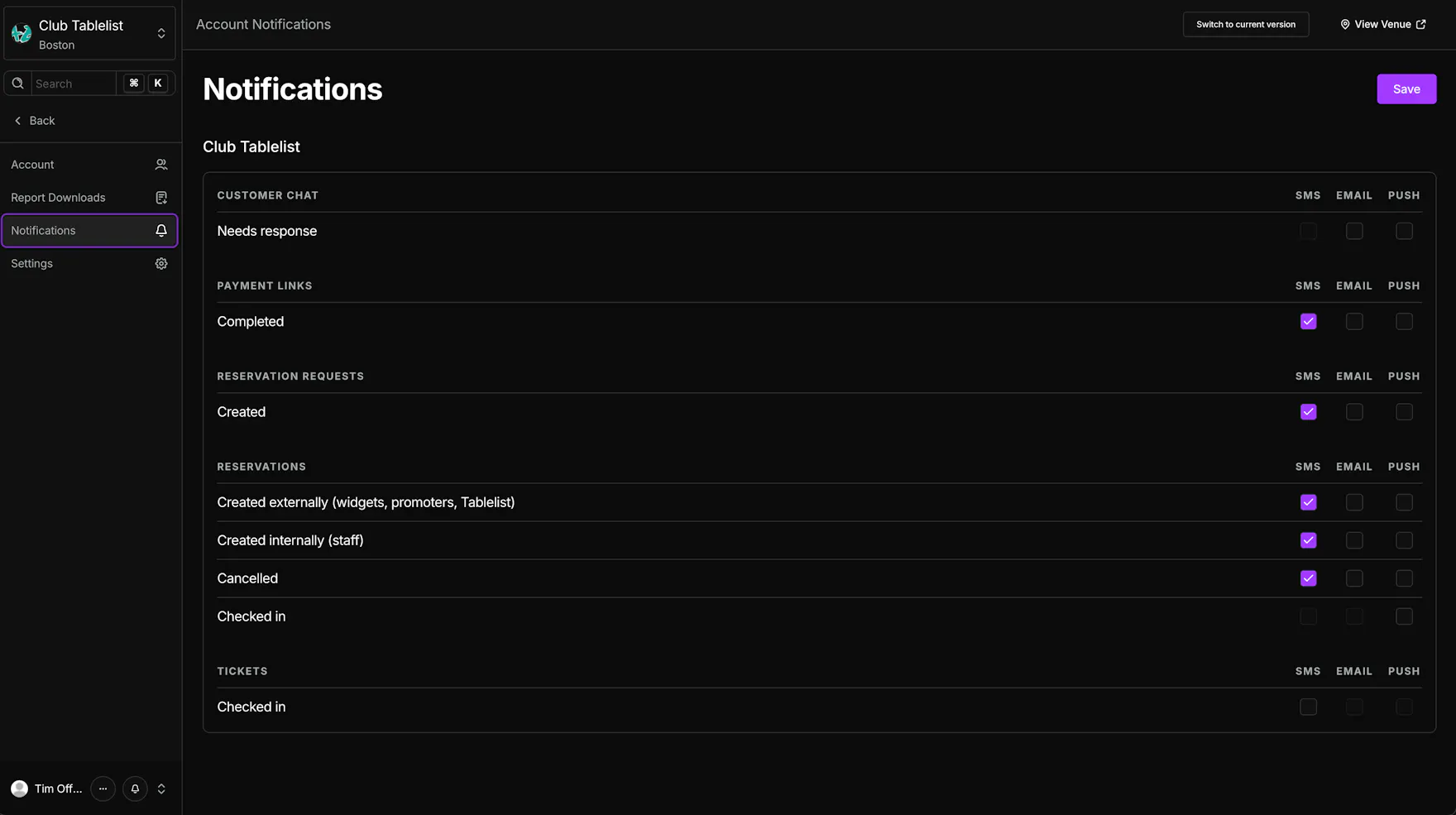
For a full breakdown of each notification type, see Account Notifications.