To create API keys, open the sidebar, click Settings, then Developers, then API Keys (or jump there from a card on API Reference).
For organization and venue ids, widgets, and how they fit with the API, see Developers. For webhook setup, see Webhooks.
These keys are for the TablelistPro REST API — not for third-party integrations like Stripe or Mailchimp. For vendor credentials and how TablelistPro stores them, see Integration security and your data.
The full endpoint and schema docs are in API Reference.
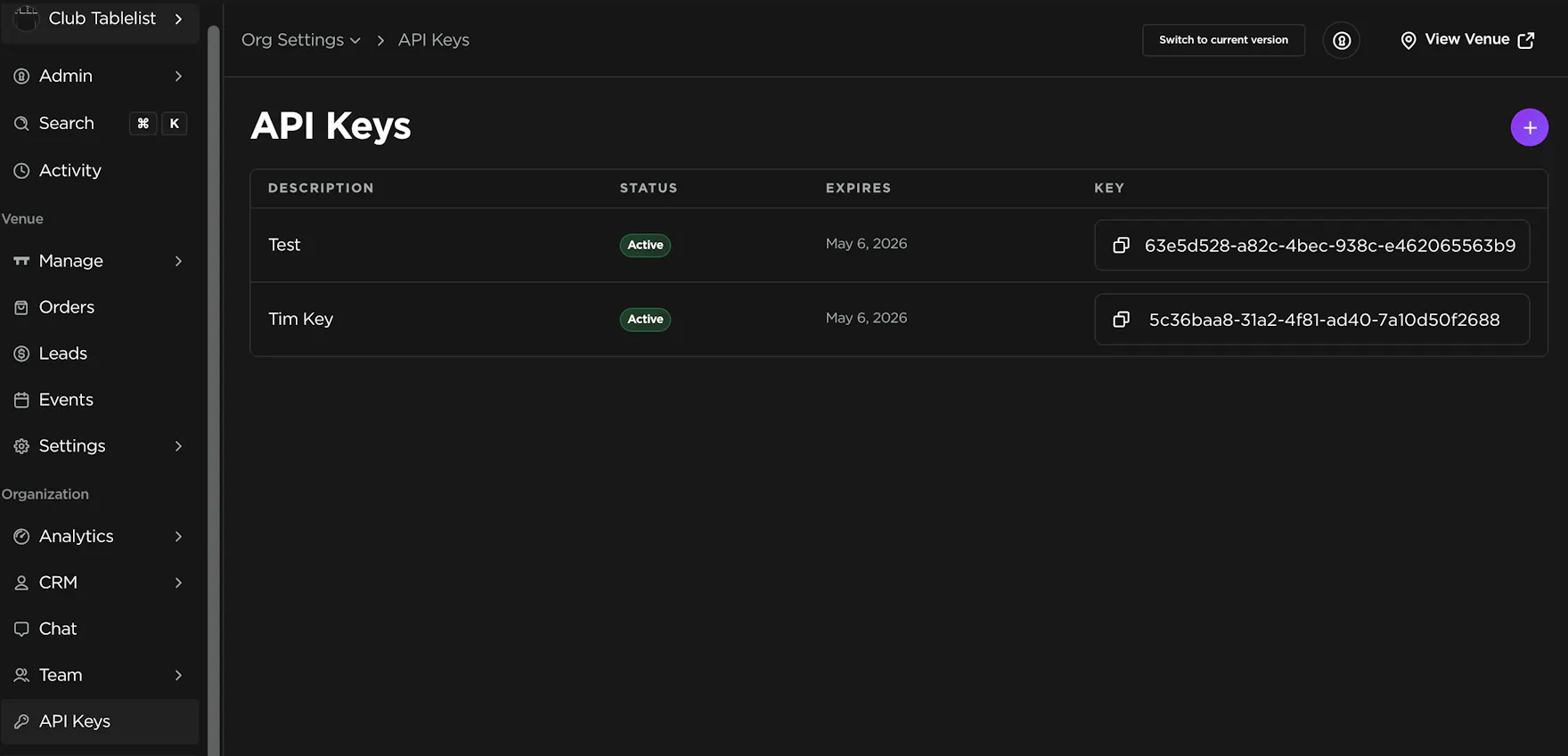
API Keys:
- Click the "+" sign in the top right
- Enter a description, select an expiration, and choose your venue(s)
- Press Save